#
Items
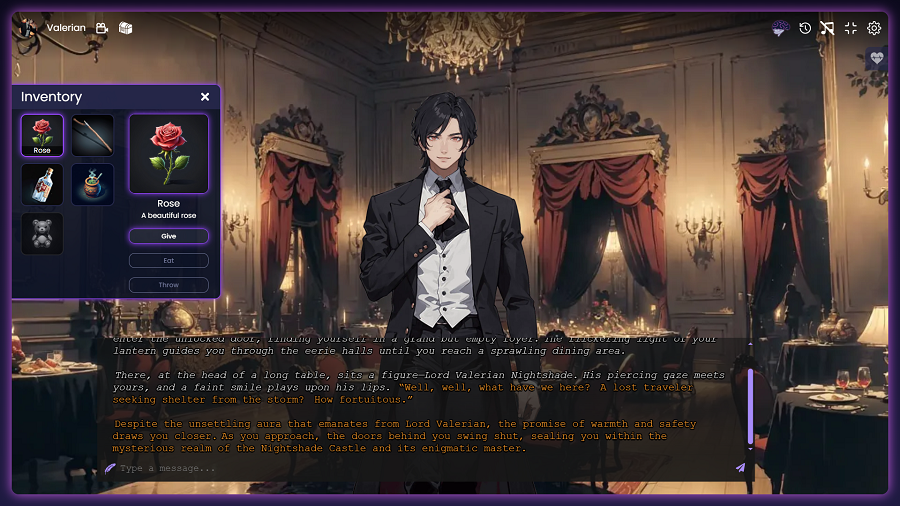
Use items to create more interactive experiences, allowing players to collect and use objects to trigger events.
#
Creating an item
First, you will need to provide information about them.
- Name: Name of the item.
- Description: A brief description about it.
- Icon: An icon for the item.
Icons must be of 1:1 aspect ratio and up to 512x512 resolution.
#
Actions
You can define up to three actions for each item. Actions have:
- Name: Name of the action
- Prompt: Describe what happens when the player uses the item (optional).
- Usage Actions: Actions to be triggered when the player uses the item (optional).
To learn more about usage actions, read Actions.
#
Visibility
Items can be immediately available to players or hidden. Tick the hidden by default checkbox if you want the item to be collected. The item will be added to the inventory when a show item action triggers.
#
Scene restriction
You can restrict in which scenes the player can use the item.