
#
Variable Banks
Variable banks are containers that store dynamic data thoughout your novel's progression. You can use them to track player choices, relationships and more. This data persists accross scenes.
#
Creating a bank
Go to the assets section and click on the "Variable Banks" button. This will display the variable bank section.
Then, click the "Create Bank" button.
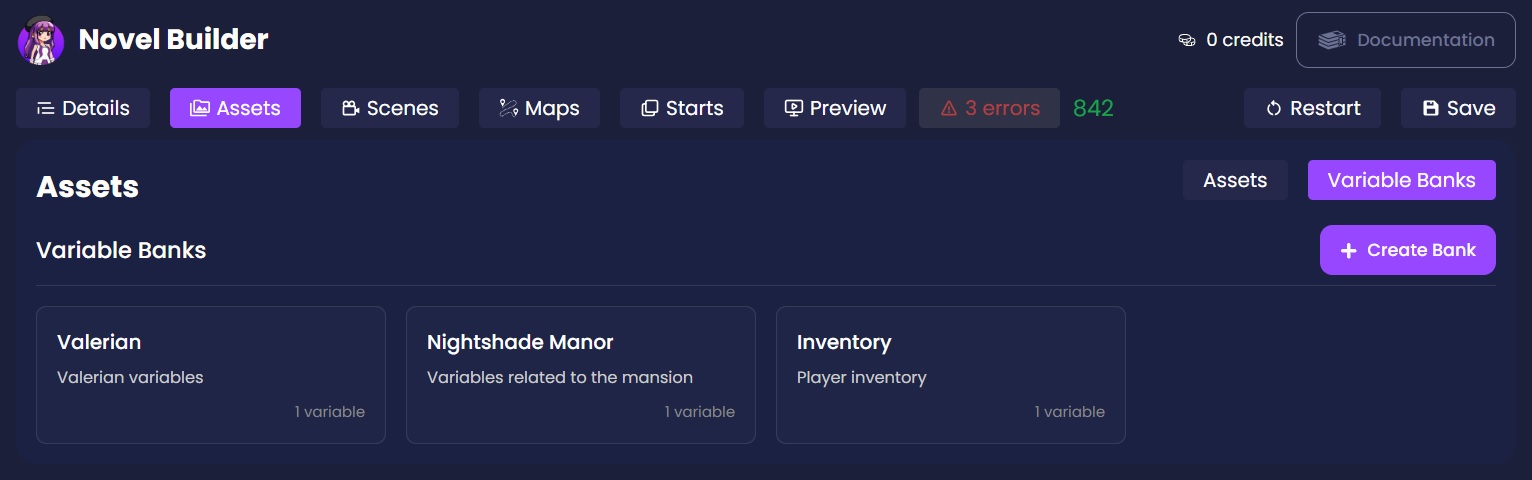
#
Bank information
You can set the name and description of your bank. This will help you organize and search what you need when creating your novel.
#
How to create variables
For adding variables, just click on the "Add variable" button. This will create a new variable for the current variable bank you are editing.
You can give them name and description.
Variables can be of different types depending on what you want to track:
- Number: Decimal value, useful for quantities or scores. Supports negatives.
- String: Text values for data such as names or locations
- Boolean: True or False values for binary states.
Make sure to set their start value if needed.
To learn how to manipulate variables, read Actions.